Lightning Fast
Optimized computer vision supports rapid image analysis for demonstrations and integration testing.
Upload a photograph and the Detectium model will analyse it for visible flames. Review the marked image, confidence score and a concise machine-readable result on one page.
Demonstration only. A result is not a fire alarm or a substitute for certified fire-safety systems and procedures.
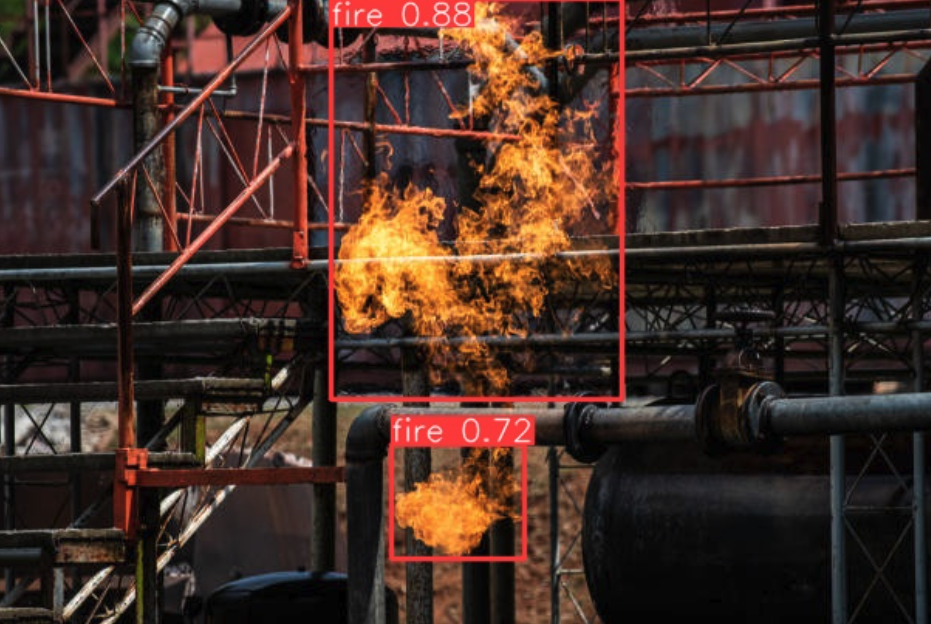
Use the sample image or choose a JPEG, PNG or WebP image up to 8 MB. Images are sent to the Detectium detection service for analysis and are not presented as training data.
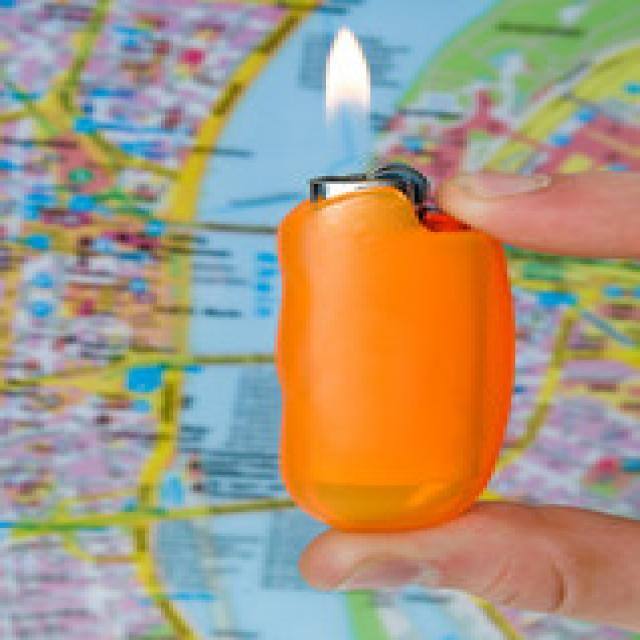
Sample image selected
Your marked image will appear here.
Analysing visible flame patterns…
Run the model to view the response.The live test brings the model, its structured output and developer references together in one place.
Optimized computer vision supports rapid image analysis for demonstrations and integration testing.
The same backend exposes model discovery, structured JSON predictions and server-annotated JPEG output.
Trained across varied visual environments to support reliable visible-flame detection while reducing false positives.
Review all three verified endpoints in the readable guide, interactive Swagger interface or ReDoc reference.
The demonstration reflects the core visual-analysis flow while keeping the result focused on visible flames.
The browser validates the image format and sends it securely to the detection service.
JPEG / PNG / WEBP · MAX 8 MBThe computer-vision model evaluates the scene and returns candidate flame regions with confidence values.
CURRENT CAPABILITY · VISIBLE FLAMEThe page draws the returned fire regions over the source image and presents a concise structured summary.
IMAGE OVERLAY + JSON SUMMARYShare your building, operating conditions and detection requirements with our team.